No products in the cart.
Windows 10 End Of Life: here are your options.
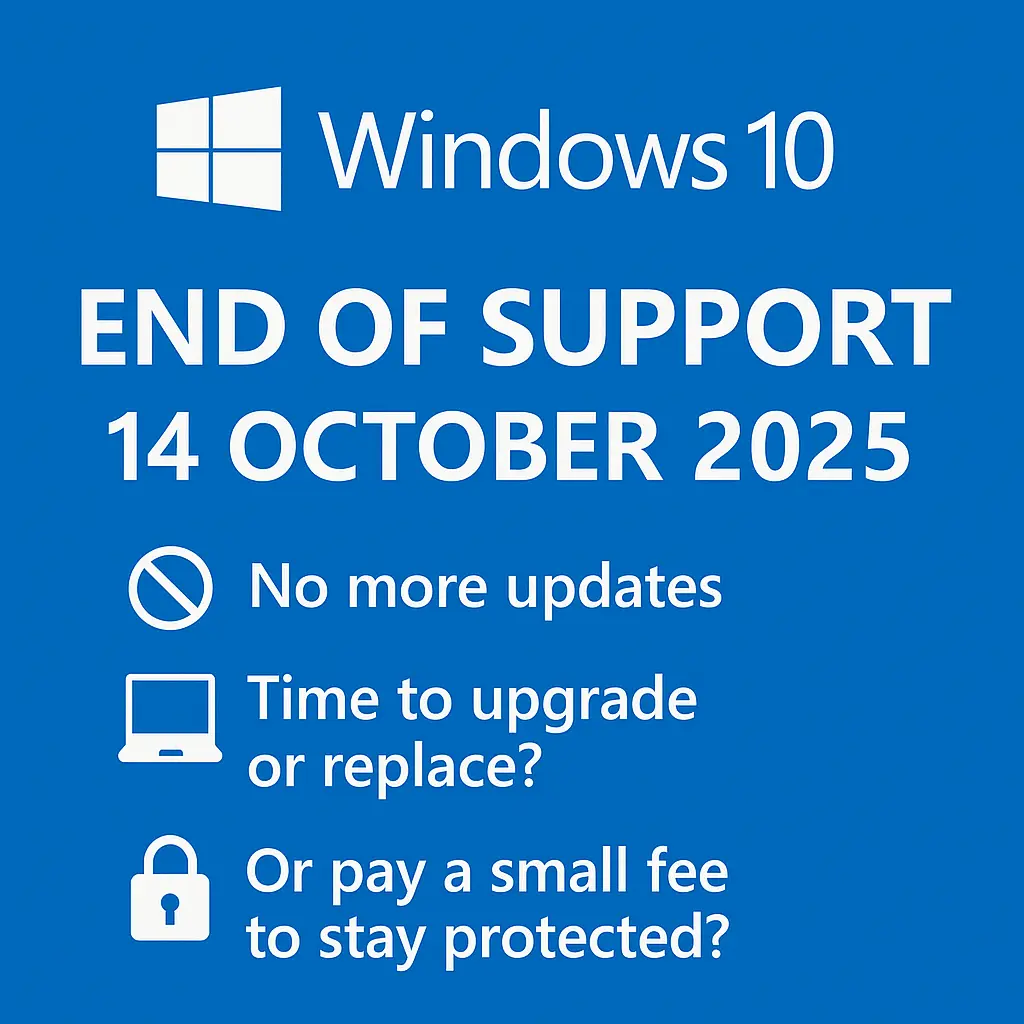
Microsoft will officially end support for Windows 10 on 14 October 2025. So, what does this mean?
No more free critical security updates
No more non-security updates
No more assisted support.
Why is this happening?
It’s standard practice for software vendors to set end-of-life (EOL) dates for their products. In this case, it’s Windows 10’s turn. Ending support allows Microsoft to focus its resources on newer and improved versions—namely, Windows 11.
If you’ve purchased a computer in the last few years, chances are it came with Windows 11. But if you’re using an older machine, here are your options
Option 1 – Upgrade your computer.
The good news: upgrading to Windows 11 is free.
The bad news: not all older PCs meet the system requirements.
If yours does, simply run the upgrade and you’re good to go.
You can check if your PC is upgradable from this Microsoft page: LINK
Option 2 – Replace your computer
If your PC isn’t eligible for Windows 11, it might be time for new hardware. Purchasing a new PC and migrating your data ensures continued support and performance. Check out our amazing computer buying guide HERE.
Option 3 – Buy Extended Security Updates (ESU)
A lesser-known option: Microsoft offers Extended Security Updates for those who can’t upgrade or replace their PC just yet.
- Price: USD $30 per PC for home users, USD $61 for business users
- Coverage: Security updates for one additional year (until 14 October 2026)
- Renewable: You can renew again in 2026—but expect the price to double
This can be a great option for those looking to extend the life of their PC without a major investment. Here is a link to Microsoft’s official page for buying ESU: LINK
Option 4 – Do Nothing (Not Recommended)
Yes, your PC will still work after October 2025. But:
- It will no longer receive security updates, leaving it vulnerable
- Other software may stop receiving updates on unsupported systems
Over time, your system will become increasingly insecure and incompatible with newer software.
In Summary
Each option has trade-offs. Whether you upgrade, replace, extend support, or take your chances—now is the time to plan. Personally, I’ll be using the ESU option for at least one of my machines. For USD $61, it’s a fair trade for another year of secure usage.
Which option will you choose?

✅ No lock-in contracts
✅ Free migration
✅ Full support during trial
✅ Locally hosted in Sydney
If you’ve been stuck with slow load times and unreliable support, now’s the time to upgrade — risk-free.
Comments are closed