No products in the cart.
Reusing Passwords Across Sites? Here’s Why It’s Risky
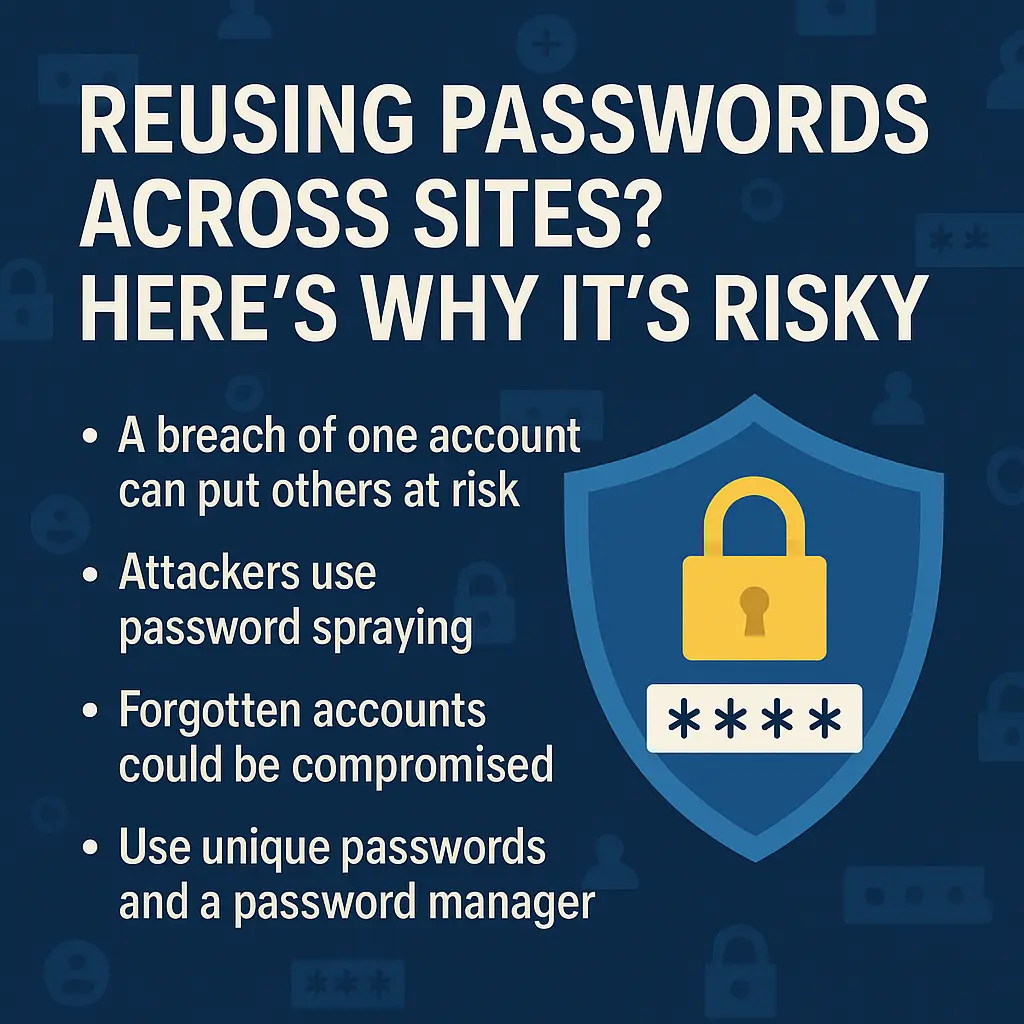
We’ve all done it — reused the same password across multiple sites. It’s quick, convenient, and easy to remember. But in terms of password security, reusing passwords across sites is a major risk — it’s like using the same key for every door. If someone gets hold of that key, they could unlock far more than you realise.
The Dangers of Reusing Passwords
When a single account is breached, attackers often try those same login details elsewhere. This is where password spraying comes in — a common cyberattack where hackers take a known email address and test it with common or previously leaked passwords across multiple platforms.
Since many people also use the same email address for different accounts, a breach on one old or forgotten site could lead to access to far more valuable accounts like online banking, social media, or work systems.
Two-Factor Authentication Helps — But It’s Not Enough
Two-factor authentication (2FA) is one of the best ways to add extra protection, and you should enable it wherever possible. But not all sites support it, and even when they do, a stolen or reused password can still create problems. This makes unique passwords for every account an essential habit.
The Challenge: Remembering Unique Passwords for Every Account
Strong, unique passwords are the best defence against breaches — but managing numerous passwords can be overwhelming. That’s where a password manager with 2FA support comes in.
Password Managers – A Safer Way to Manage Passwords
A password manager securely stores your login details in an encrypted vault, meaning you only need to remember one master password.
Advantages of password managers:
- Creates strong, random passwords for every account.
- Auto-fills login details securely.
- Syncs across devices so you can log in from anywhere.
- Stores secure notes, credit cards, and other sensitive information.
Possible Drawback:
Single Point of Failure – If someone gains access to your master password, they could access everything.
How to Reduce the Risk: Use a password manager with 2FA and device approval (you must confirm any sign-in from a new device before it’s allowed).
Password Manages (Built-in vs Third-Party)
Google Chrome & Microsoft Edge – These built-in options are the most accessible password managers because they’re already part of your browser. They make saving and filling passwords simple, but they come with a browser password manager risk: if someone has your computer login, they could view or export your saved passwords.
Third-Party Options with Free Plans – Dedicated password managers often have stronger encryption, cross-platform compatibility, and extra protections like 2FA before viewing or exporting credentials. Free options include Bitwarden, LastPass Free, NordPass Free, Keeper Free, Dashlane Free, and Zoho Vault Free.
Bottom Line
Reusing passwords across sites may feel harmless, but it puts your entire digital life at risk. A single password breach can cascade into multiple compromised accounts. The safest approach? Use unique passwords for every account, enable two-factor authentication, and protect your credentials with a secure password manager.
Comments are closed